




Kronehoefstraat 85
5612 HL Eindhoven
BTW NL863902509B01
Automated invoice processing: how one AI agent replaces three manual systems
qw
vc
mshm
.svg)



An invoice arrives by email, through a supplier portal, or by post. Sometimes as a PDF, sometimes as a Word file, sometimes as a scanned piece of paper. Every invoice demands the same sequence: open, verify, re-key into the accounting system, forward for approval, wait, follow up, post.
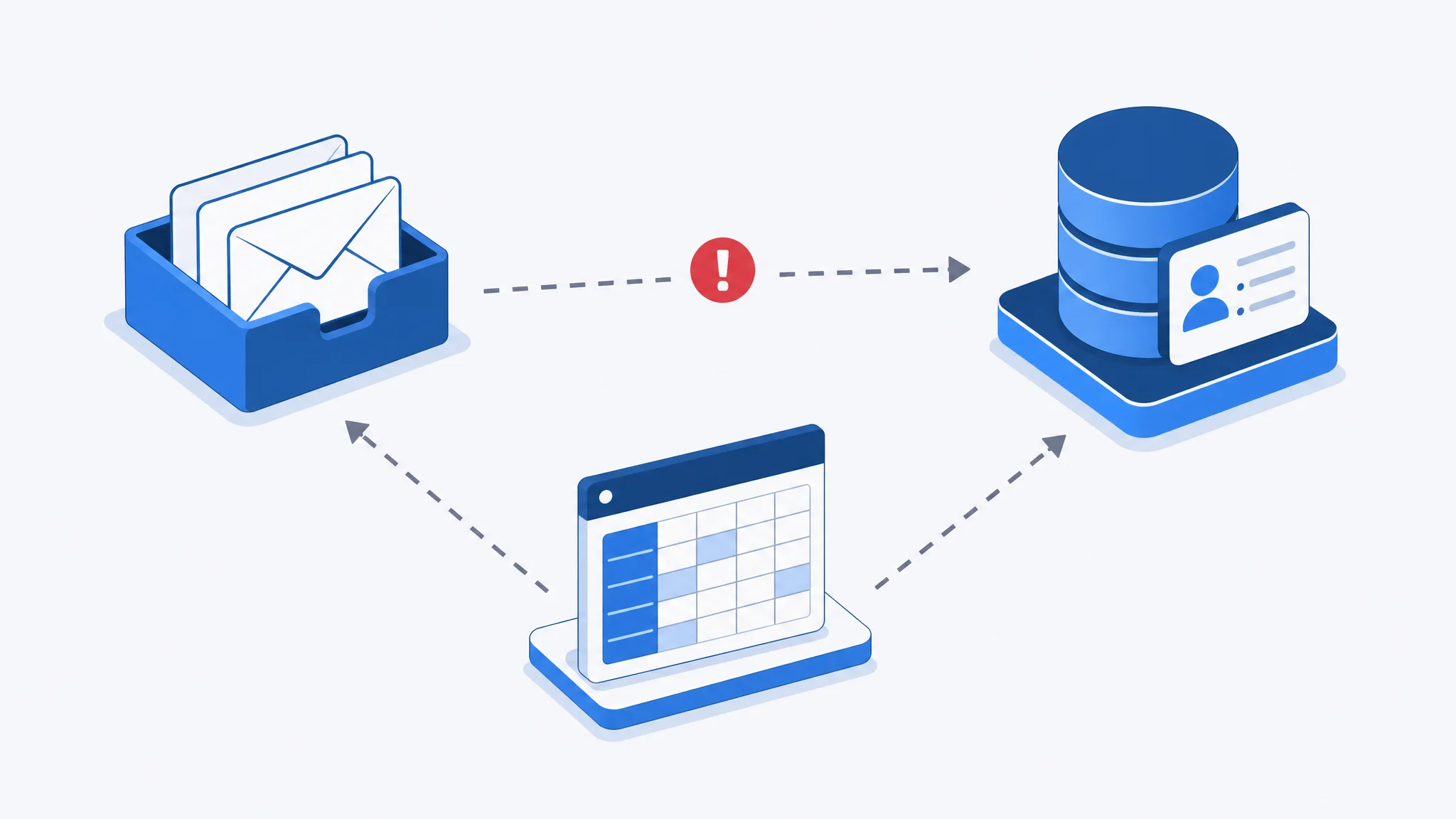
For a typical SME, that process is spread across multiple places. Supplier invoices land in a shared email inbox. The finance lead re-keys the data into Exact, AFAS, or Twinfield. Approvals travel by email, with CC's nobody reads. Once a week, the person in charge gets hit with a stack of invoices that all need attention at the same time.
The result is predictable: duplicate postings, invoices lost in an inbox, late payments because nobody knew an approval was still outstanding. According to Parseur (2025), manual data entry takes 10 to 30 minutes per invoice. Manual invoice processing is not bad because people do it. It is bad because it is a process that was never designed to be done by people.
Peak load reliably hits at month-end: every invoice from the past few weeks is waiting for one person, at exactly the moment the monthly close begins.
The costs go further than the hourly rate of the employee re-keying invoices. Ardent Partners publishes an annual detailed benchmark based on research across thousands of organisations.
The report AP Metrics that Matter in 2025 (Ardent Partners) shows: the average organisation spends $9.40 per processed invoice, including all personnel and operational costs for receipt, processing, and approval. Organisations without automated processes sit at $12.88 per invoice and a processing time of 17.4 days. Organisations with mature automation process an invoice for $2.78 in 3.1 days.
The cost difference between automated and manual is a factor of 4 to 6, not a few percent.
For a business processing 200 invoices per month, that adds up to a difference of more than $20,000 per year in processing costs alone. On top of that come the error costs: a mistake in invoice processing costs an average of $53 in correction work, according to industry data cited by Gennai (2026).
Below is a comparison of manual versus automated, worked out hypothetically for a typical SME processing 150 invoices per month:
This scenario is hypothetical and indicative. Actual time savings depend on invoice volume, invoice complexity, and the existing workflow in the organisation.
An AI agent for invoice processing follows a fixed sequence of steps, without any human involvement for standard invoices.
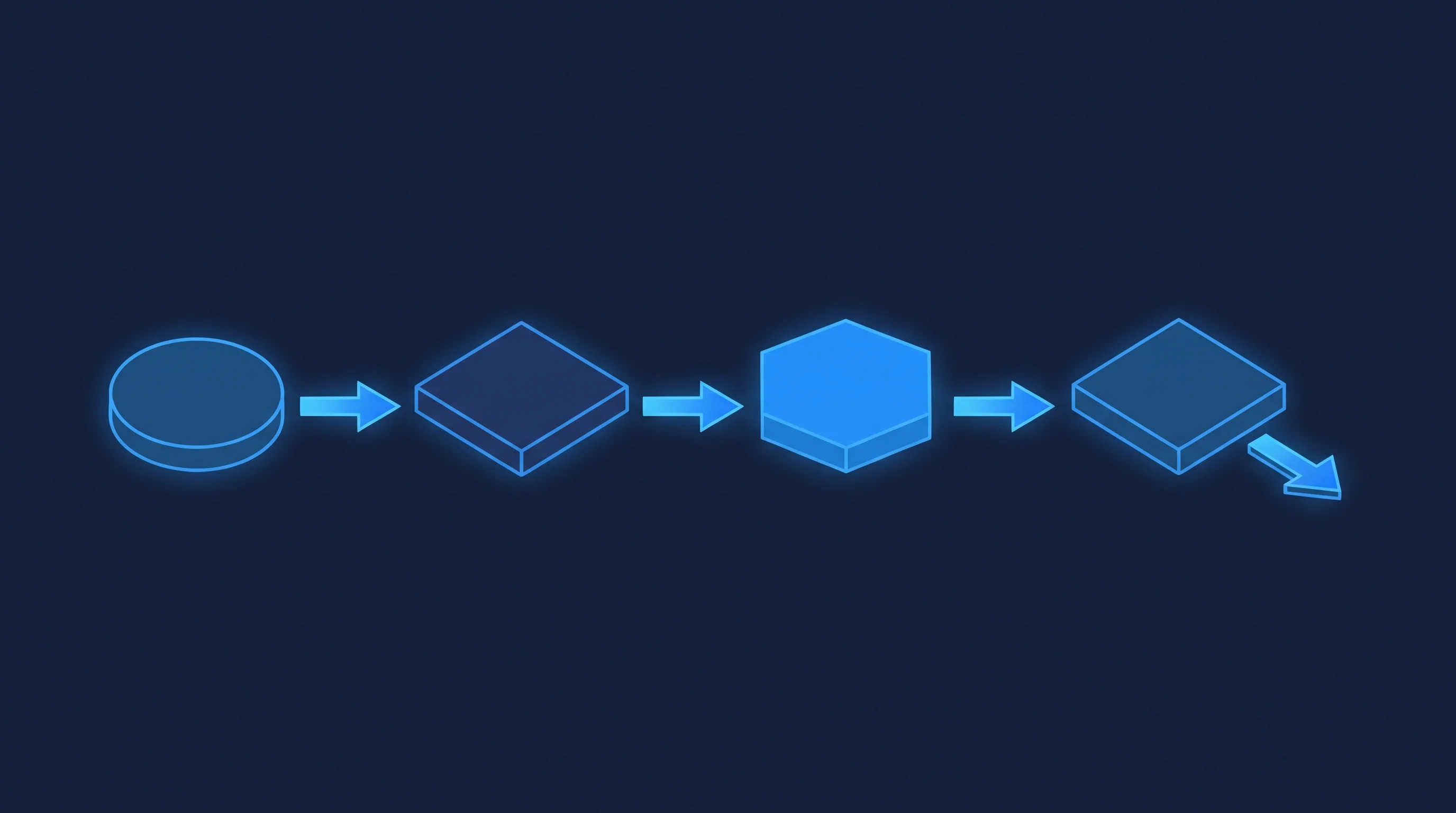
Step 1: receipt and extraction. The agent monitors the invoice inbox, supplier portal, or scan feed. As soon as a new invoice arrives, it extracts the relevant data: supplier, invoice number, date, line items, VAT, total amount. This works on PDF, scanned documents, and structured email.
Step 2: matching. The agent compares the invoice data against the purchase order or contract in the system. Does the amount match? Is the supplier known? Is there a corresponding PO? If there is a match, the invoice moves directly to the posting step.
Step 3: exception detection. If something does not match, a PO number is missing, or the amount deviates by more than a defined percentage, the agent flags the invoice as an exception. The agent sends a structured message to the right person: here is the data, here is what does not match, here is what you need to decide. No inbox full of forwarded emails, just a focused task.
Step 4: approval and posting. After human sign-off on exceptions, or directly on a match, the agent posts the invoice in the accounting system. The action is traceable and auditable.
This is the core of intelligent automation: the agent takes over everything that is routine and predictable. Anything that requires a decision goes to a human. Ardent Partners reports that in 2024 only 32.6% of B2B invoices are processed fully automatically (Billed, 2026), indicating that most organisations still have significant gains to unlock here.
A common question is: why not let the agent handle everything? The answer lies in the design, not in a limitation of the technology.
Human-in-the-loop means that a human makes the final call on everything that falls outside the predefined rules. In invoice processing, those are the real exceptions: an amount that comes in 15% higher than the quote, a supplier not in the system, an invoice without a matching PO.
The agent is designed to stop where uncertainty begins. That is not a weakness, that is exactly the right design.
Autonomous approval of every invoice, without a human check, increases the risk of fraudulent invoices and incorrect postings. The finance lead retains oversight of exceptions, while the agent removes the routine work.
In practice, this means: the employee no longer receives a stack of invoices, but a short list of decisions. That list gets shorter as the agent learns which deviations are acceptable within the agreed rules. The exception handling becomes increasingly efficient, without losing human control at critical moments.

The biggest bottleneck in manual invoice processing is not the data entry itself. It is the fragmentation: invoices arrive by email, get manually transferred to the accounting software, and approvals are tracked across a combination of email, Excel, and WhatsApp reminders.
An AI agent turns those three separate pieces into one continuous flow. It reads the email or portal, communicates with the accounting system via a SaaS integration, and records the approvals in a system the auditor can access later. No data lost between two steps. No information that only lives in someone's head.
This is also why automated invoice processing is not a standalone tool. It only works well when the agent is connected to the systems the organisation already uses. That requires an integration layer, but it does not need to be complex. For most SMEs, an API connection between email, accounting software, and a simple approval screen is enough to get started.
The agent is the connecting layer, not the new central system.
Transparency about the limits matters. Not every invoice is a good fit for full automation.
Invoices that work well with automation:
Invoice types that require more preparation for automation:
In practice: for most SMEs, 70 to 80 percent of invoice volume falls into the first category. That is where automation delivers immediate value. The rest requires human attention, and that is fine: the agent handles the routine portion so the employee can focus on the invoices that actually deserve attention. Digiparser (2026) cites cost savings of 60 to 80 percent for organisations moving from fully manual to automated processing.
The barrier to automated invoice processing is lower than most SMEs expect. An in-house IT department is not needed. What is needed: a clear picture of the current process and the systems already in use.
A practical starting phase looks like this:
This is the approach we use in our Agentic Growth Sprint: a focused 90-day pilot targeting one process, with measurable results. No large upfront system investment, no months-long implementation trajectories.
A well-designed pilot shows what the agent can do, without having to overhaul the entire financial system.
Manual invoice processing costs more time and money than most SMEs realise. We show you how an agent takes over that process, with the human in the loop for everything that genuinely requires a decision.
View AI Agents & Process Automation
Automated invoice processing means that an AI agent receives invoices, extracts the data, matches them to purchase orders or contracts, and only escalates discrepancies to a human. Manual re-keying and email-based approval rounds disappear. The agent handles standard invoices independently; only exceptions require human attention.
Traditional OCR software reads text from a document and converts it to digital data. An AI agent goes further: it understands context, matches the invoice to the right contract or PO, recognises deviations, and initiates the approval flow. OCR is one component of what the agent does; the agent is the complete workflow, not just the extraction step.
Yes, provided the agent is properly configured. PDF, scanned documents, and structured email are the most common formats and work well. Widely varying layouts from one-off suppliers or handwritten documents require more preparation. In practice, a well-configured agent handles 70 to 80 percent of the invoice volume of most SMEs without human intervention.
The agent flags the invoice as an exception and sends a structured notification to the right person. That notification includes the relevant data and the reason for the exception, so the employee can decide immediately. The invoice is not posted automatically when there is uncertainty. Human-in-the-loop is the central design principle.
That depends on how the agent is set up. Invoice data contains personal data from suppliers and contact persons, which falls under GDPR. An agent running on EU infrastructure, not storing data outside the organisation's own systems, and maintaining an audit log of every processing action meets the basic requirements. We always implement on EU-based infrastructure and configure logging so that all processing is traceable.
The cost depends on the number of systems to connect, invoice volume, and the complexity of the matching rules. For an SME with a standard accounting package and a clear purchasing process, a pilot is feasible within a limited budget. We work with a fixed pilot phase so costs are clear upfront and there is no open-ended investment.
A pilot on a subset of invoices can be operational within 4 to 8 weeks, depending on the availability of API connections to the accounting system and the complexity of the matching logic. The first weeks are always a validation phase where output is checked manually before the agent posts independently.
The most widely used packages in the Dutch SME market, such as Exact Online, AFAS, and Twinfield, offer API access that enables integration. The agent communicates with the system via that API: it reads purchase orders and posts approved invoices. The exact capabilities depend on the subscription and the API permissions available in the specific package.


.svg)