



Kronehoefstraat 85
5612 HL Eindhoven
BTW NL863902509B01
HubSpot Integration: Your CRM and AI Agents in One Working Layer
qw
vc
mshm
.svg)




A HubSpot integration for AI agents connects your CRM to automation that goes beyond a fixed workflow: the agent reads live contact, deal, and deal-stage data and acts on it independently. That requires clearly defined API scopes, a data processing agreement where needed, and error handling that catches a failure before it reaches your pipeline. Built well, this saves manual copy work and makes lead follow-up, deal updates, and reporting directly usable for AI agents.
How many systems in your business get an automatic update the moment a deal changes in HubSpot? For most SMEs, the answer is: none, unless someone retypes it by hand.
For many Dutch sales and marketing teams, HubSpot is the heart of customer data: contacts, deals, email history, and deal stage all live there. The problem isn't HubSpot itself, it's what happens around it. Reporting to management goes through an export, a deal update to finance happens manually, and a new lead doesn't get enriched with company data automatically.
An AI agent working with your customer data needs access to exactly that information: who the customer is, what stage the deal is in, what's already been discussed. Without a working HubSpot integration, that agent is stuck with a standalone chat window, while the data it needs sits locked in another system.
Interest in AI for marketing and sales is undeniably high. 86.4% of marketing teams now use AI in at least a few areas of their work (HubSpot, State of Marketing, 2026). In the Netherlands, 29.8% of SMEs (10 to 249 employees) used at least one AI technology in 2025, compared to 66.2% of large enterprises (CBS, 2026).
That adoption is running ahead of the data quality AI actually needs. 76% of organizations say less than half of their CRM data is accurate and complete (Validity, State of CRM Data Management, 2025). An AI agent working with messy or inaccessible data amplifies the problem you already had instead of solving it.
The pattern is usually three things at once: leads come in but don't get enriched with company data automatically, deal updates never reach finance or the ERP on their own, and nobody has an up-to-date overview without pulling their own export. None of these three is a HubSpot problem. It's an integration problem: HubSpot has the data, but nothing around it is allowed to act on it independently.
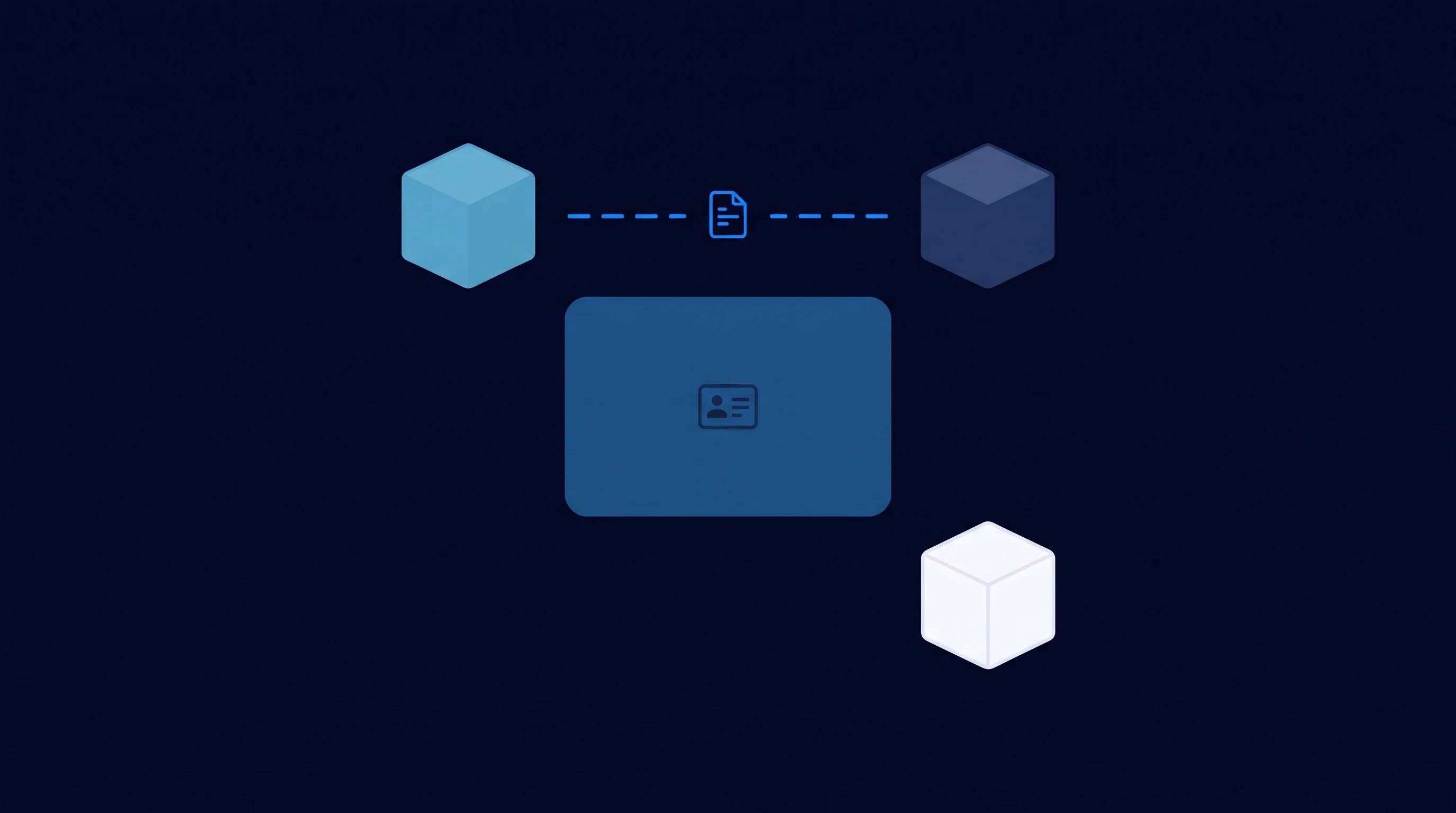
A HubSpot workflow is quick to set up and does exactly what you tell it to: if a contact fills in a form, send an email, assign an owner, change a deal stage. That's not a weakness. For predictable, repeatable work, a fixed rule is exactly what you need.
The difference shows up once the situation doesn't fit a fixed rule. A workflow can't judge on its own whether an incoming message is a support question or a sales question and respond differently, and it can't decide which of three stalled deals deserves attention today (HubSpot, 2026). An AI agent reasons over the live HubSpot data, weighs the context, and picks the next step itself.
A workflow executes what you already know; an agent acts in situations where the right answer changes case by case. Most HubSpot environments we come across need both: workflows for the predictable work, an agent for the work that requires context.
That fits a broader pattern we described earlier in intelligent process automation: automation only becomes truly powerful once it doesn't just execute tasks, but also weighs when and how.
Take a simple example: a deal that hasn't been updated in three weeks. A workflow can set a reminder, but it can't judge whether that stall is because the customer is deciding internally or because the rep simply forgot. An AI agent reads the email history and the latest notes alongside it, and proposes a targeted next step based on that, instead of a generic reminder everyone ignores.
An AI agent working inside HubSpot doesn't need a password, it needs scopes: clearly defined permissions that specify exactly which objects and fields the agent can read or write. HubSpot manages this through private apps or OAuth apps, where each scope grants access to one specific group of endpoints, such as reading contacts or updating deals (HubSpot Developers, 2026).
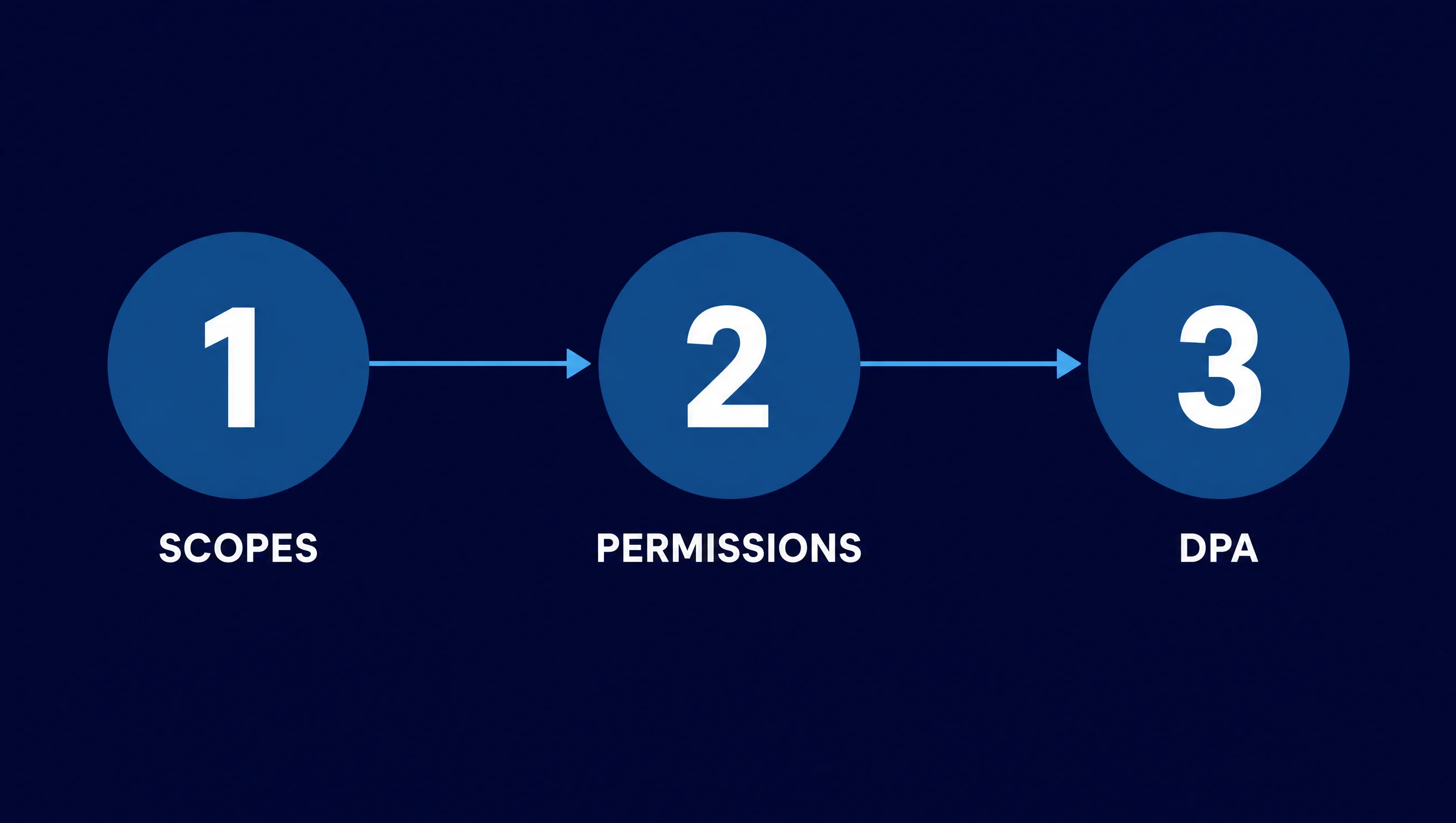
For an integration that works with a single HubSpot account, a private app token is usually enough: a token that doesn't expire and can be revoked per app. If the integration will eventually serve multiple client accounts, OAuth with an access and refresh token makes more sense (HubSpot Developers, 2026). Assigning the right permissions isn't a technical detail, it's the difference between an agent that does exactly what it's allowed to and an agent with access to more than it needs.
HubSpot distinguishes between standard scopes and granular scopes: a standard scope gives broad access to an object type, a granular scope splits that further, for example read-only without write access. Choose the granular variant wherever possible. An agent that only needs to enrich leads doesn't need permission to delete deals or edit invoices. The narrower the scope, the smaller the damage if something ever goes wrong with the token.
Once personal data is involved, a second layer applies. If an external party or AI service processes data on your behalf, GDPR's requirements for processors kick in: a data processing agreement that sets out the purpose, nature, and security of the processing (Dutch Data Protection Authority (Autoriteit Persoonsgegevens), 2024). Without that agreement, your company is in breach, even if the integration itself works technically fine.
We build this kind of integration as part of Business Apps & Integrations: scopes that match what the agent actually needs to do, a data processing agreement where required, and EU-based processing of your HubSpot data.
Once permissions and the integration are in place, what an AI agent can do for your team changes. HubSpot data stops being an endpoint someone pulls an export from, and becomes part of a larger, connected system: your AI Business Brain.
That affects four places where manual work is still the norm.
That pattern isn't unique to HubSpot. The same thing happens whenever ERP data has to travel manually between systems. The difference between a standalone system and a connected system is the difference between manual work and live data.
Craftsmanship isn't an integration that works in a demo, it's an integration that still does what it's supposed to do three months later. We test every step before it goes live: what happens with an empty value, a duplicate contact, a HubSpot rate limit that kicks in temporarily.
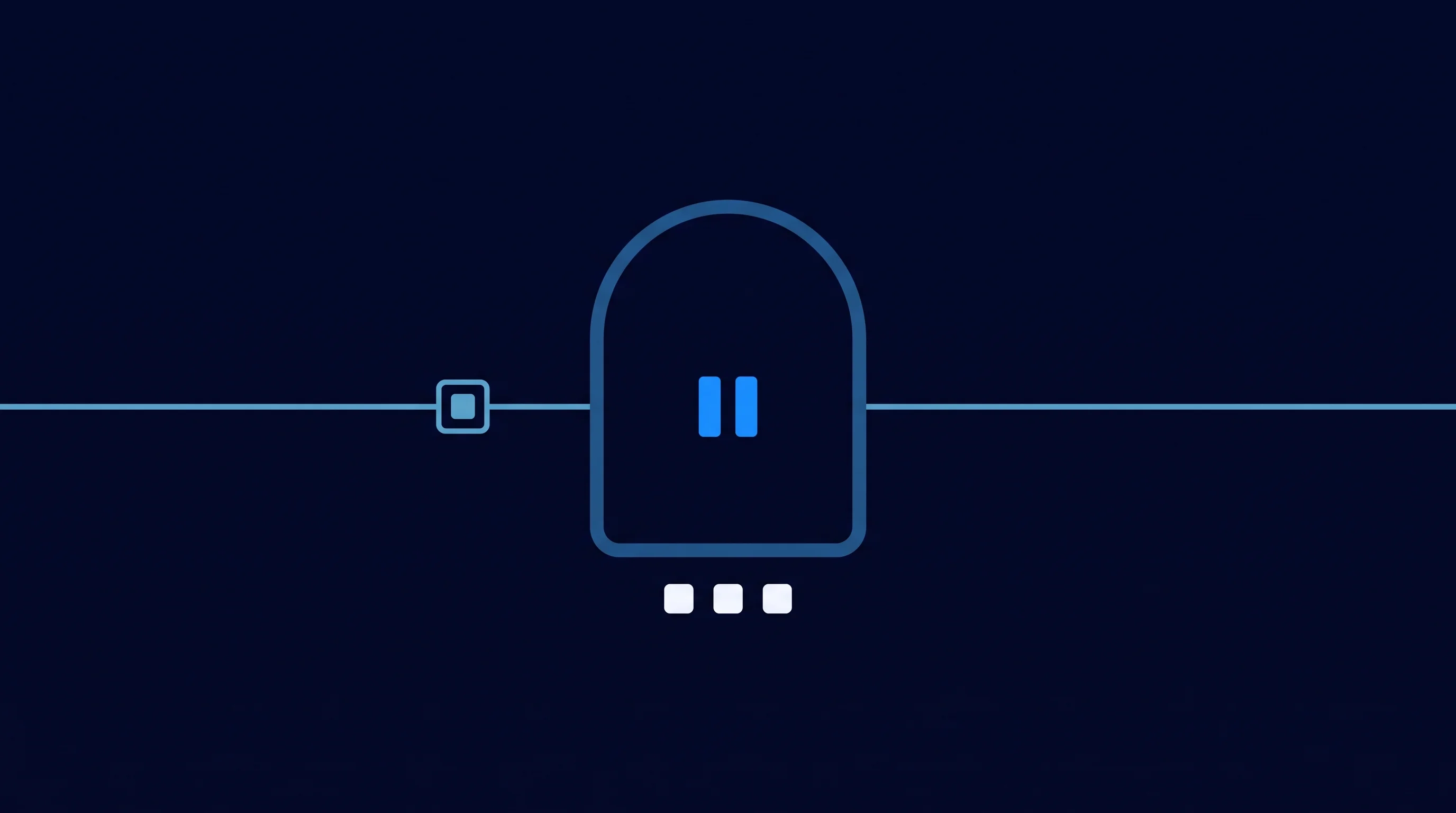
Error handling means a single failure doesn't drag down the rest of the sync. An expired token, a required field that's left empty, or a duplicate deal gets set aside for review and logged, while the rest keeps running. A robust integration doesn't stop the entire sync when something fails, it sets aside only the problem case.
Human-in-the-loop isn't a weakness here, it's a design choice: for actions with impact, like an adjusted deal value or a message to a customer, a human checks in before the digital worker proceeds. Every step is logged, so you can retrace what happened and why, even a month later.
That logging isn't only useful when something goes wrong. It's also what makes an integration accountable for an audit, a customer asking what happened to their data, or a colleague who wants to know six months later why a deal was updated automatically. Without a log, that's guesswork. With a log, it's traceable.
That fits how we approach business process automation with AI agents: not as a loose script let loose on your CRM, but as an event-driven layer that reacts to what actually changes in HubSpot, with oversight built in.
A HubSpot integration for AI agents isn't a free add-on. HubSpot's own Breeze agents, like the Customer Agent and the Prospecting Agent, run on the Professional or Enterprise tier and on an outcome-based credit model: you pay per resolved query or per recommended lead, not for the attempt (HubSpot, 2026).
An integration we build sits alongside that: the agent uses your HubSpot data through its own, clearly defined access, not through HubSpot's own Breeze subscription. The investment goes into properly setting up scopes, data mapping, and error handling, not into a recurring licence per agent action. Setting it up properly costs time upfront and saves structural copy work afterward.
No overnight miracles: an integration that's set up in an afternoon and stays robust doesn't exist. What is realistic: start with one concrete process, like lead follow-up or deal reporting, test it until it runs reliably, and expand from there to the rest of your HubSpot environment.
Want to know where to start? Count for one week how often someone in your business retypes HubSpot data into another system or a spreadsheet. That number is usually the best starting point for your first integration.
A phased start has another advantage: within weeks, you can see whether the scopes, the data mapping, and the error handling are right, before you expand the integration to more processes or more AI agents. That beats trying to connect everything at once and discovering three months later that a scope was set too broad.
A workflow follows a fixed rule: if this happens, do that. An AI agent reasons over the live HubSpot data and picks the next step itself, including in situations that don't fit a fixed rule. Most HubSpot environments use both: workflows for predictable work, an agent for work that requires context.
That depends on how the integration is set up. With clearly defined scopes, a data processing agreement wherever personal data is involved, and EU-based processing, your HubSpot data stays under your control. Safety is built into the design of the integration, not bolted on afterward.
In principle, any object the agent has scopes for: contacts, deals, companies, tickets, notes, and custom fields. What the agent actually gets access to is something you decide through the scopes you grant, not something HubSpot sets by default.
No, not for the integration itself. HubSpot's API access through private apps or OAuth is available starting from the free tier. If you want to use HubSpot's own Breeze agents, like the Customer Agent or Prospecting Agent, you'll usually need a Professional or Enterprise subscription on the relevant Hub.
That depends on how many systems you bring into scope, the state of your existing HubSpot data, and how much custom work the integration requires. Connecting to a single extra system is priced differently than an integration serving multiple systems and agents. In an introductory meeting, we map that out concretely for your situation.
No, not if the integration is built properly. Every action with impact gets logged, and for actions like a changed deal value or a message to a customer, a human checks in before the agent proceeds. Errors get set aside for review instead of being applied silently.
Yes. A HubSpot integration for AI agents usually doesn't stand alone: the same agent can read and write to an ERP, invoicing platform, or other system at the same time, as long as each integration has its own scopes and error handling. That's exactly where the value lies: one up-to-date data source instead of separate, inconsistent copies.
An AI agent working with your HubSpot data needs a well-thought-out integration: permissions, error handling, and control in place from the start. We build that layer with you, from first connection to a working system.


.svg)