



Kronehoefstraat 85
5612 HL Eindhoven
BTW NL863902509B01
AI agent development for SMEs: four steps explained
qw
vc
mshm
.svg)



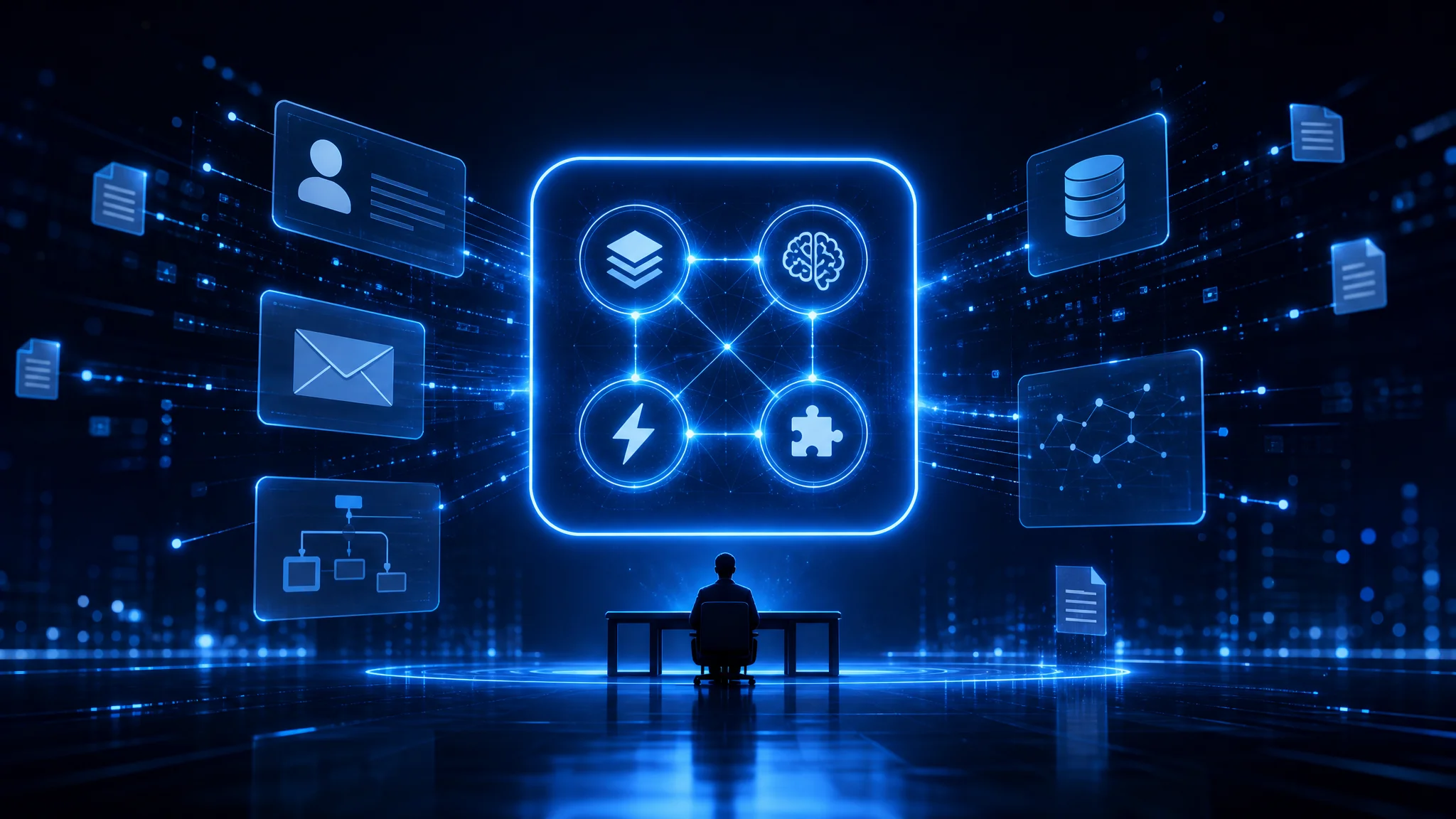
Many business owners think of an AI agent as a smarter chatbot. That is not quite right. A chatbot responds to questions; an AI agent takes initiative and executes steps in a workflow, from retrieving information to creating a record in your CRM or forwarding an email to the right person.
The core difference: an agent is action-oriented. It plans, decides, and acts, within the boundaries you set.
An agent that only talks but does nothing is not an agent: it is an expensive answering machine.
If you want to explore the background of this concept further, our article on what agentic AI is lays out the technological context clearly.
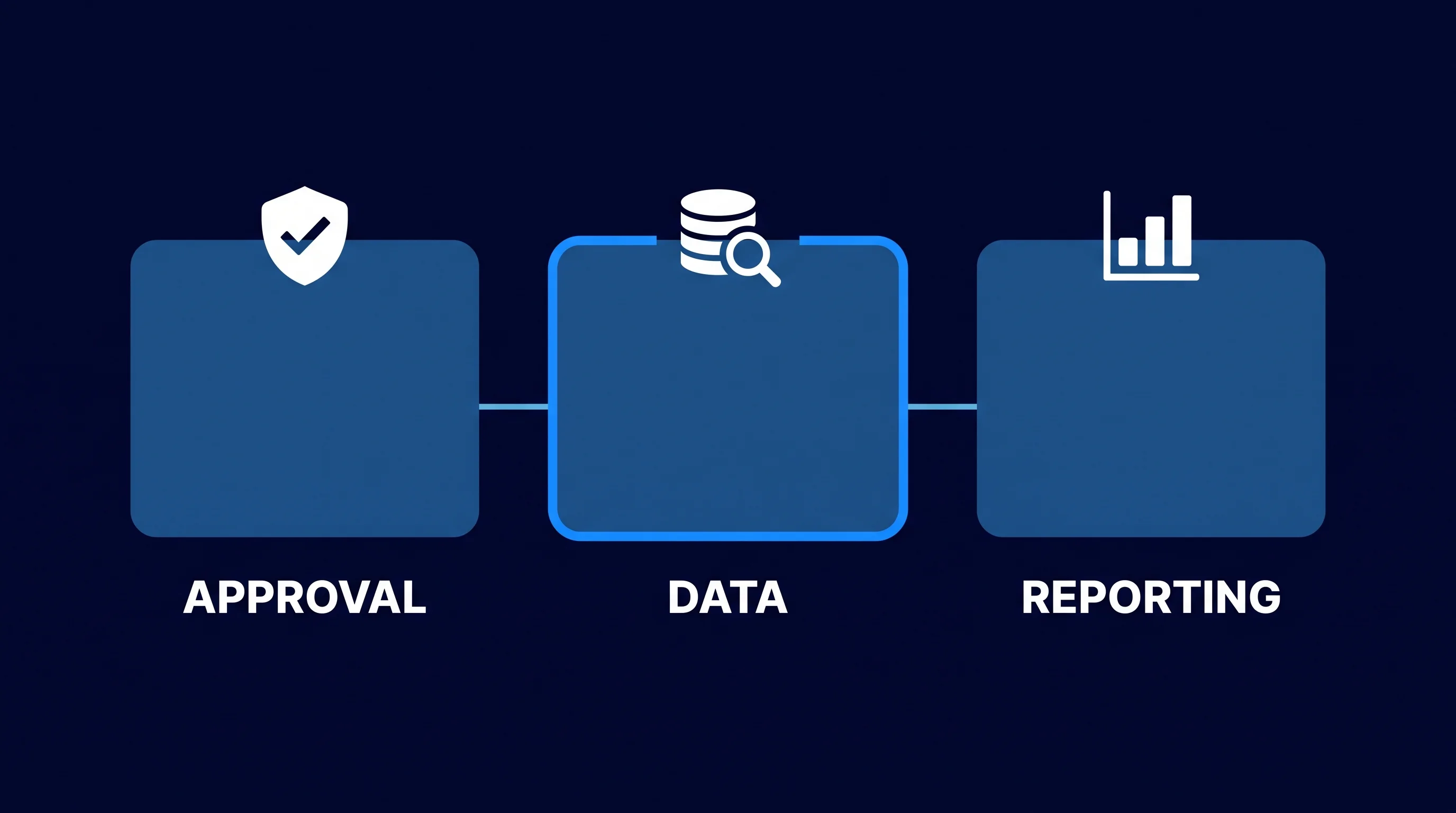
In practice, we see three types of work in SMEs that are well suited to an agent. Approval and escalation processes (who needs to see this document?). Data collection and enrichment (retrieve customer data, combine it, save it). And periodic reporting (pull figures from multiple systems, send a summary).
An agent does not work in a vacuum. Before it can decide or act on anything, it needs information about the situation: who is the customer, what is the status of the file, which rules apply in this case?
That information is called the context. It is the starting point of every agentic workflow.
Poor context is the most common reason an agent makes wrong decisions.
If the agent does not know that a customer has a payment backlog, it will happily send an approval message. Data quality and access rights are therefore not a technical detail; they are part of the design.
When building context, we always look at three questions: which sources are needed, who has access to those sources, and what happens when data is missing or outdated? That third point, the fallback, is the one most often skipped in practice and causes the most problems later on.
With context in order, the question becomes: how does the agent make a decision? That is the intelligence layer. This is where we determine which language model or rule set the agent uses to move from data to action.
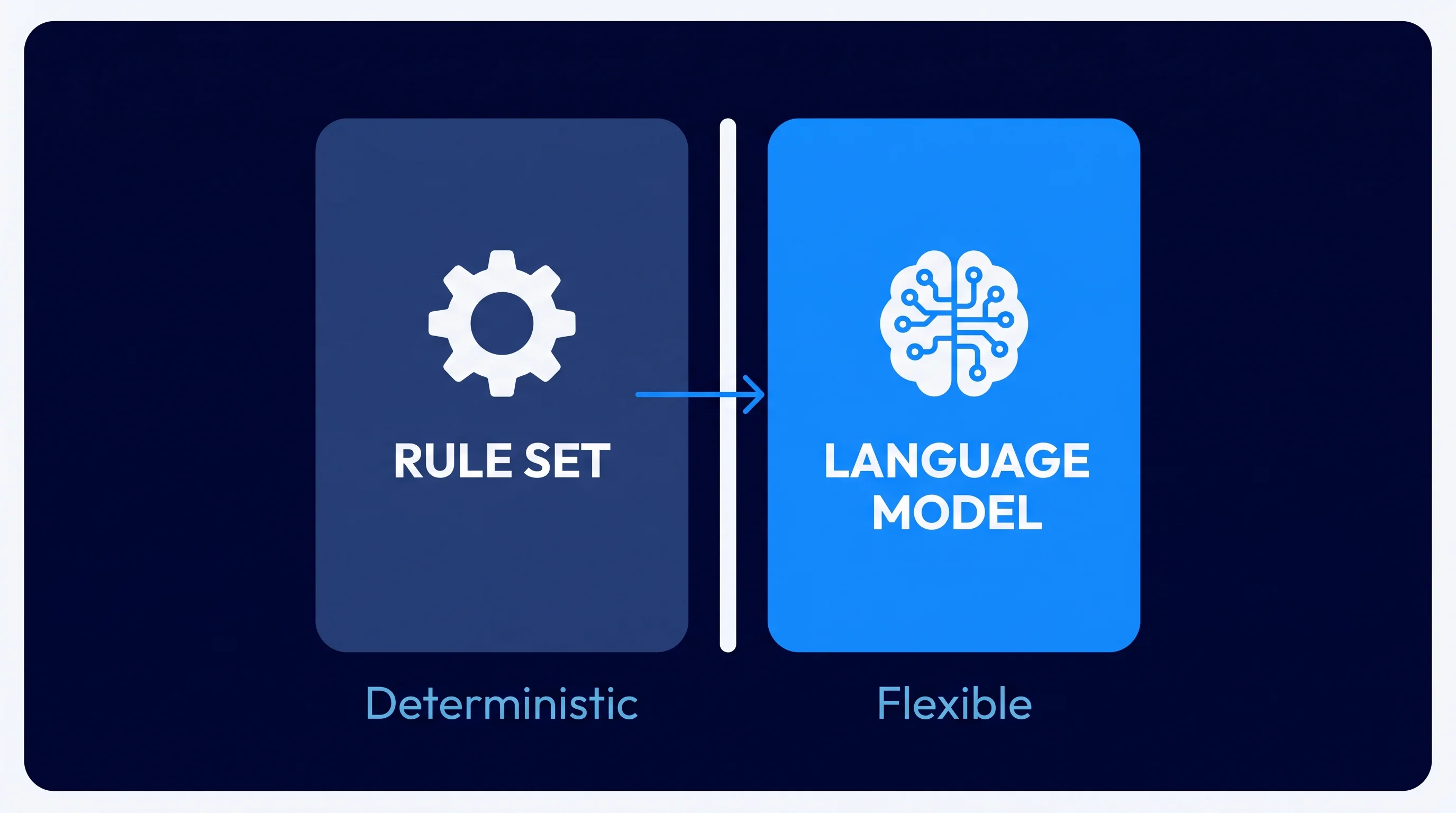
Not every decision requires a large language model. Sometimes a simple rule set is enough: if the invoice value exceeds 5,000 euros, route it to the financial director. That is deterministic and fully auditable.
A large language model (LLM, or Large Language Model) is added when the input is variable and unstructured: interpreting an email, writing a summary, assessing a document for completeness.
The combination of a rule set for hard boundaries and an LLM for flexible interpretation produces the most reliable agent.
A critical concern in the intelligence layer is hallucination: the phenomenon where a language model generates an answer that sounds like a fact but is not. Good agent development always includes an evaluation step that verifies the model's output before it flows into the next action. We call this an eval step, and it is a standard deliverable in every project we guide.
Prompt design is the other side of the intelligence layer. The instructions you give the model largely determine the quality of the output. Vague instructions produce vague decisions. Precise, structured prompts give the agent a clear framework to operate within.
An agent that only thinks but does nothing has no value. The automations layer defines the concrete steps the agent is allowed to take in the outside world: sending an email, creating a record, requesting approval, saving a document.
Every action is a tool call: the agent calls an external function and processes the result. Think of saving data in your CRM, creating a task in your project management tool, or forwarding a message via email or Slack.
Human-in-the-loop means the agent stops at certain moments and asks a human for confirmation before continuing. This is not a sign of weakness in the design: it is a deliberate choice for control and trust.
Suppose that an agent is working in an approval workflow. It processes incoming requests, checks whether all fields are filled in, and automatically sends incomplete files back with a notification. Complete files above a certain value are placed with the responsible manager for an explicit approval; below that threshold the agent handles them independently. This is an example of how you apply human-in-the-loop as a design principle: not as an emergency brake, but as a deliberate split in the workflow based on risk.
The question is not whether you keep humans in the loop, but at which moments and for which decisions.
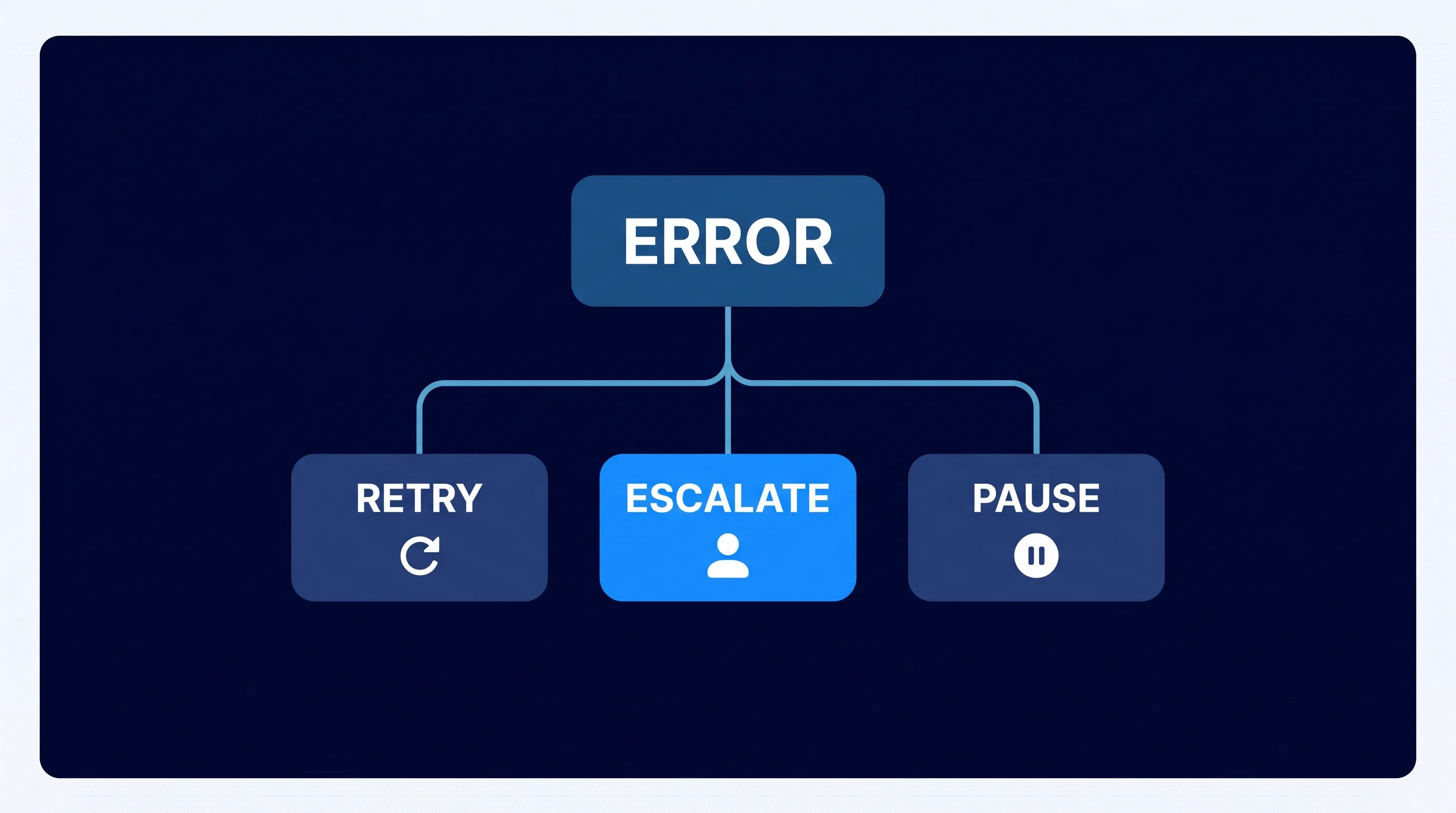
Error handling deserves its own section in the design. What does the agent do when an external API is unreachable? What if the data is incomplete? What if the language model gives an uncertain answer? Each of these scenarios needs an agreed path: retry, escalate to a human, or pause and send a notification. Without this path, the agent stops at the first obstacle and work disappears into a vacuum.
An agent that is not connected to the systems where the work happens is an isolated experiment. The integration layer connects the agent to the reality of your organisation: the CRM, the accounting software, the email system, the project management tool.
Connections are made via APIs or webhooks. An API is a standardised way to request data or perform actions in an external system. A webhook automatically sends a notification to the agent as soon as something changes in another system.
Authentication and access policy are the most underestimated parts of the integration layer. The agent needs credentials to access each system, and those credentials must be managed securely. In our work we always apply the principle of least privilege: the agent has access to exactly what it needs, nothing more.
The AI Business Brain is the model with which we structurally connect these four layers for SMEs: context, intelligence, automations, and integrations as one coherent architecture, not as separate experiments.
An agent without integration is a half-finished product. The value lies in the connection.
An honest timeline: most SME agent projects run from 4 to 10 weeks from first intake to live agent, depending on the number of integrations and the complexity of the decision logic.
McKinsey Global Institute calculated in November 2025 that AI agents can technically take over 44% of work tasks in the US at the current state of technology (McKinsey Global Institute, Agents, Robots, and Us, 2025). The key lies not in the technology alone, but in the careful design of the four layers described above.
After go-live, maintenance begins. Models are updated, APIs change, business processes evolve. Plan time structurally for monitoring and minor adjustments. The most successful agent implementations we see have an owner inside the organisation who regularly reviews the agent and feeds back to the build team.
The costs of an AI agent project consist of three components: the build phase, the infrastructure costs, and the human time freed up versus the time that remains.
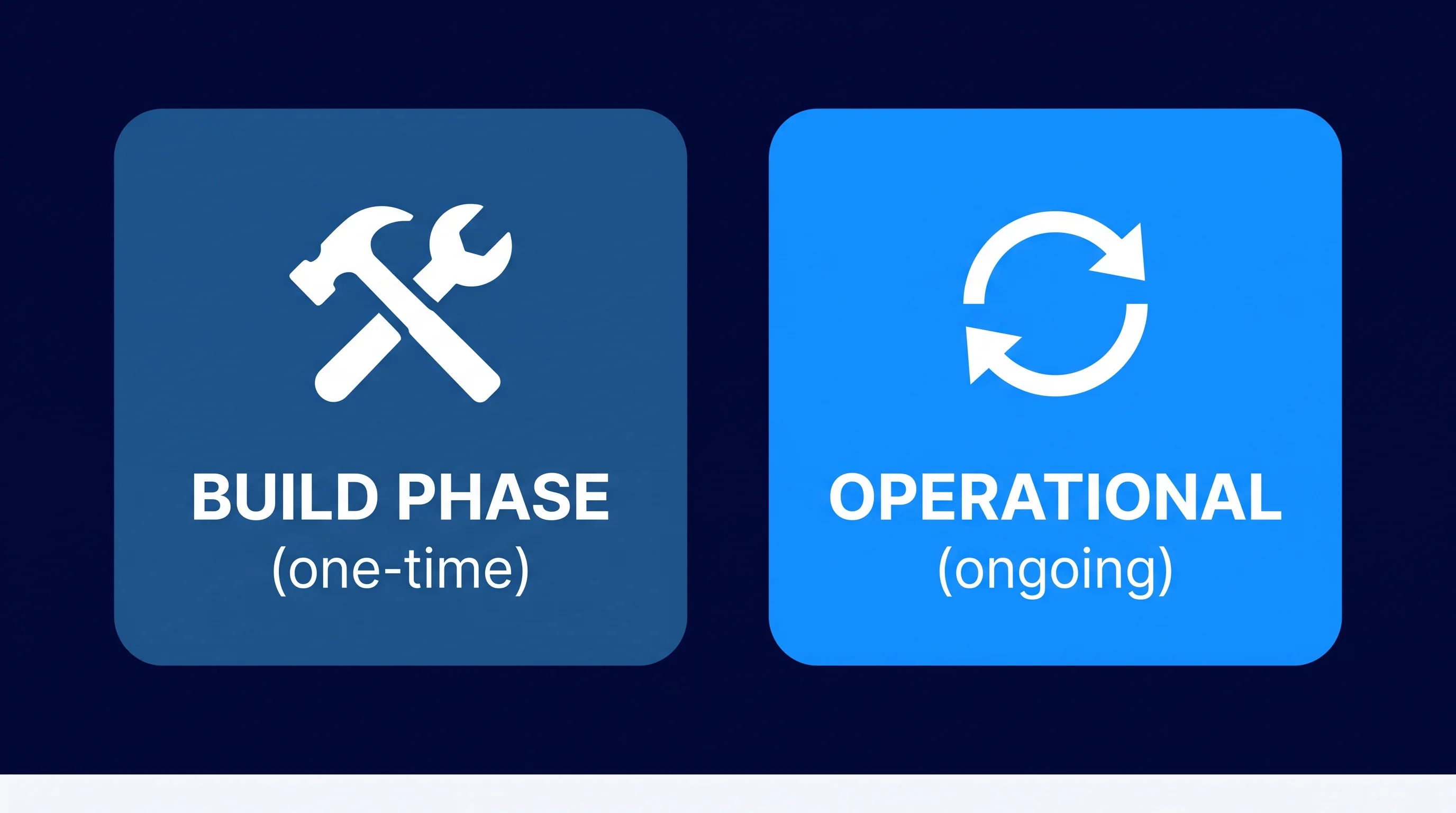
The payback period depends on how many hours per week the agent takes over and what those hours cost internally.
An approval process that currently takes 6 hours per week in manual handling, and that an agent takes over for 80%, returns 250 hours per year. Calculate that against the hourly cost of the employees involved, and the business case becomes clear quickly.
A working digital colleague starts with the right foundation: context, decision logic, actions, and integrations in order. We guide that process from first idea to live agent.
View AI Agents & Process Automation
A working AI agent needs four building blocks: the right context (data from your systems), decision logic (a language model, a rule set, or a combination), clearly defined actions it is allowed to take, and connections to the systems where the work happens. If any one of these four is missing, the agent is unreliable in practice.
Most SME agent projects run from 4 to 10 weeks, from intake to live agent. The lead time depends on the number of system integrations, the complexity of the decision rules, and how many exceptions the process involves. A simple process with one integration is faster than an approval workflow that combines multiple systems.
Classic automation follows a fixed sequence of steps and cannot handle variation. A chatbot responds to questions but does not take actions in other systems. An AI agent combines both: it interprets variable input, makes decisions independently, and then takes actions in real systems such as your CRM or accounting software.
Yes, an AI agent can make mistakes: a language model can draw the wrong conclusion, an API can be temporarily unreachable, or the input data can be incomplete. Good agent development always includes eval steps that check the output, error paths that determine what happens when something goes wrong, and human-in-the-loop checkpoints for high-impact decisions.
In principle any system with an API or webhook: CRM systems such as HubSpot or Salesforce, accounting software such as Exact Online or Twinfield, communication tools such as email and Slack, project management software, and data platforms. For systems without a standard API, integration is more complex but often still possible via intermediate tools.
Operational costs consist of model costs (per processed token, manageable with good design), monitoring and logging, and periodic adjustments when processes or systems change. Plan structurally for half a day per month for review and minor adjustments; in most cases that is enough to keep the agent healthy.
A process is well suited to an agent if it is repetitive, has a clear input, is based on rules or pattern recognition, and produces a verifiable output. Processes with many exceptions, high emotional intelligence requirements, or unstructured human interaction are less suitable as a starting point. A good indicator: if you can explain the process to a new employee as a step-by-step plan, it can probably be automated.


.svg)