


Kronehoefstraat 85
5612 HL Eindhoven
BTW NL863902509B01
Connecting Salesforce: linking your CRM to AI agents
qw
vc
mshm
.svg)




A Salesforce integration connects your CRM to AI agents so lead data, deal status and customer history are automatically available for automation. That takes working authentication, clear data mapping between systems, and error handling that catches problems before they disrupt your pipeline. Done well, it saves hours of copy-paste work and makes lead enrichment, follow-up and forecasting immediately usable for AI agents.
For many sales teams, Salesforce is where the CRM data lives: deals, contact moments and customer history all sit inside it. The problem isn't Salesforce itself, it's what happens around it. The average organisation runs 957 applications, and only 27% of those are actually connected to each other (MuleSoft Connectivity Benchmark Report, 2026).
An AI agent working with your customers needs access to that Salesforce data: who the customer is, what the deal status is, what was discussed before. Without a working Salesforce integration, that agent is stuck with a standalone chat window, while the data it needs sits locked in another system.
The demand for AI in sales is not in question. Salesforce reports that 87% of sales organisations now use some form of AI (Salesforce, State of Sales, 2026). In the Netherlands, 29.8% of SMEs (10 to 249 employees) used at least one AI technology in 2025, against 66.2% of large enterprises (CBS, 2026). AI adoption is growing faster than the integrations that actually connect AI to your business data.
How many times a week does someone on your team manually copy Salesforce data into another system or a spreadsheet? At most sales organisations, the answer is higher than anyone expects going in. Reporting to management runs through an export, marketing works off its own list, and support never sees the customer history at all.
That retyping costs more than time. 76% of organisations say less than half of their CRM data is accurate and complete (Validity, State of CRM Data Management, 2025). Gartner estimates that poor data quality costs an organisation an average of $12.9 million (USD) a year, between missed deals, incorrect forecasts and time reps lose searching for the right information (Gartner, 2020).
That pattern isn't unique to Salesforce. The same thing happens whenever data has to move manually between an ERP system and the rest of the organisation, as we described earlier in ERP integration without copy-paste. The difference between a standalone system and a connected one is the difference between manual work and live data.
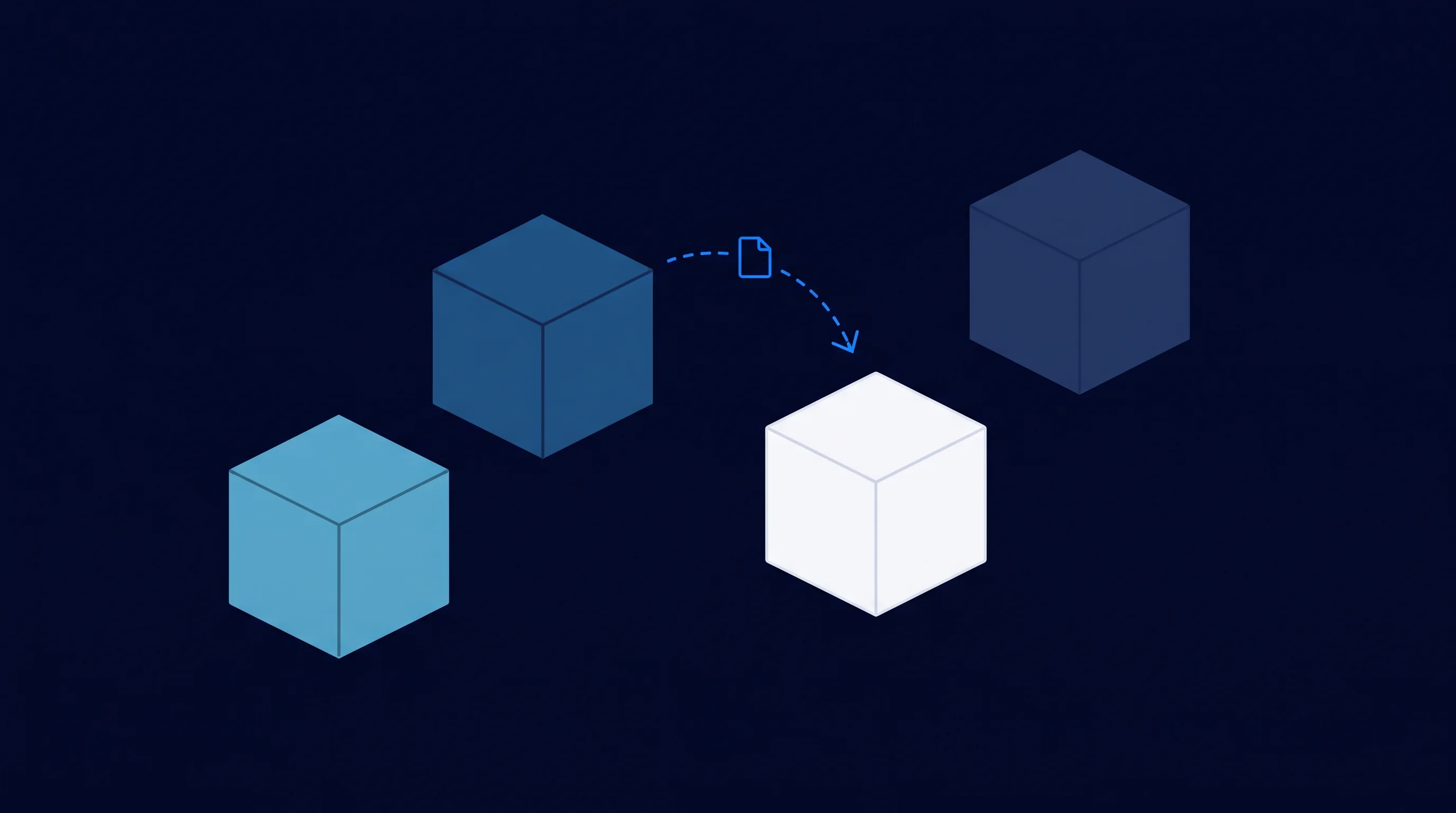
A robust integration starts with authentication that doesn't break the moment a password changes. Salesforce itself recommends working with OAuth 2.0 through an external client app, so an integration gets access through tokens instead of a shared password (Salesforce Developers, 2026). That sounds technical, but it's exactly the difference between an integration that keeps working and one that goes down after the next password reset.
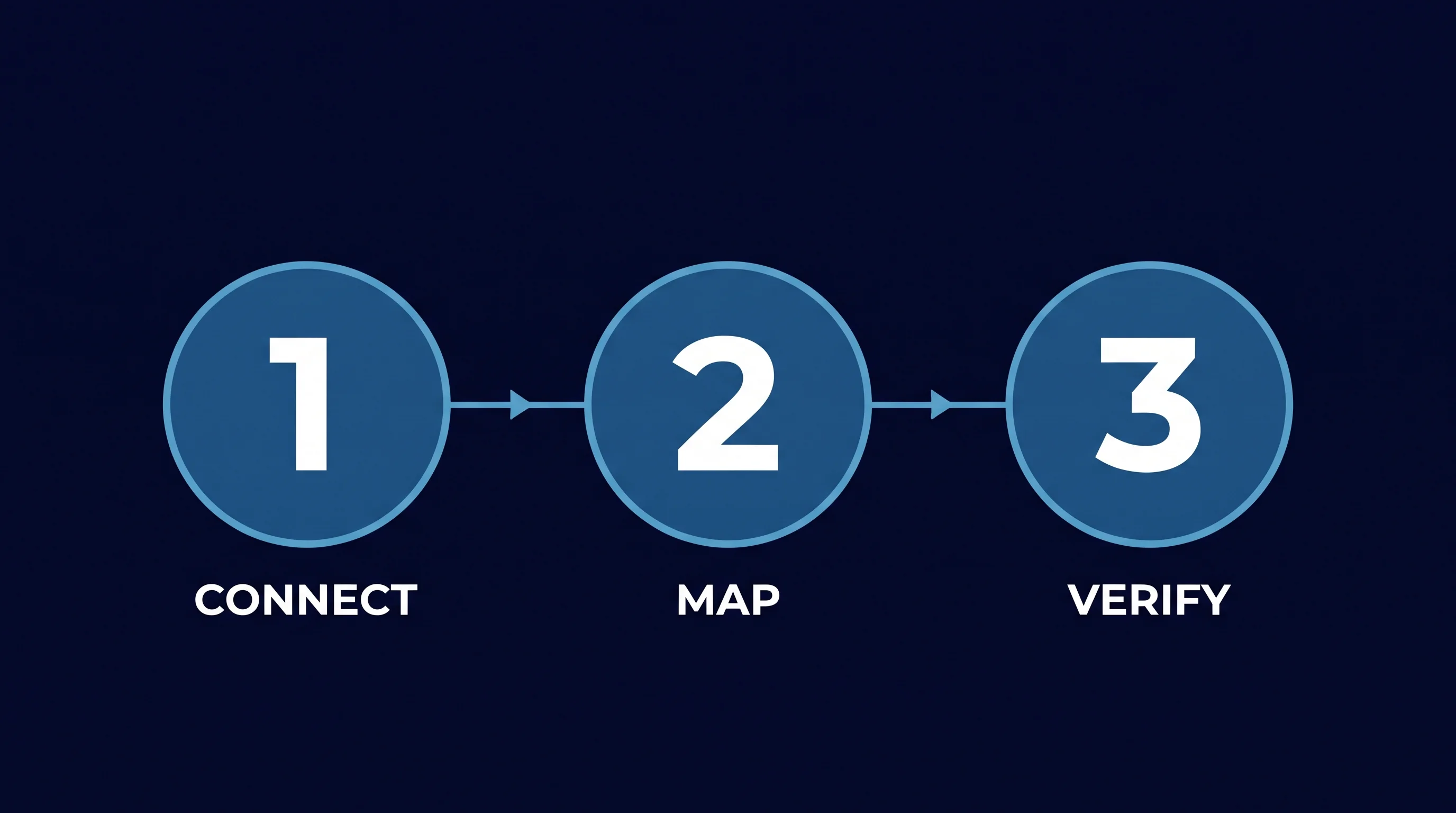
Next comes data mapping: a Salesforce field is rarely named the same as the matching field in the system you're connecting it to, and a contact in Salesforce isn't automatically the same record as one in your ERP or marketing tool. Someone has to decide which field maps to which, and what happens when a value is duplicate or missing.
Then there's error handling. An API limit, an expired token, a required field left blank: it happens, even with a well-built integration. A robust integration logs the error and lets the rest of the sync keep running.
We build this kind of integration as part of Business Apps & Integrations: not as a one-off project, but as the foundation your AI agents build on.
Once the integration is in place, what an AI agent can do for your sales team changes. A new lead in Salesforce is no longer just a bare record with a name and an email address.
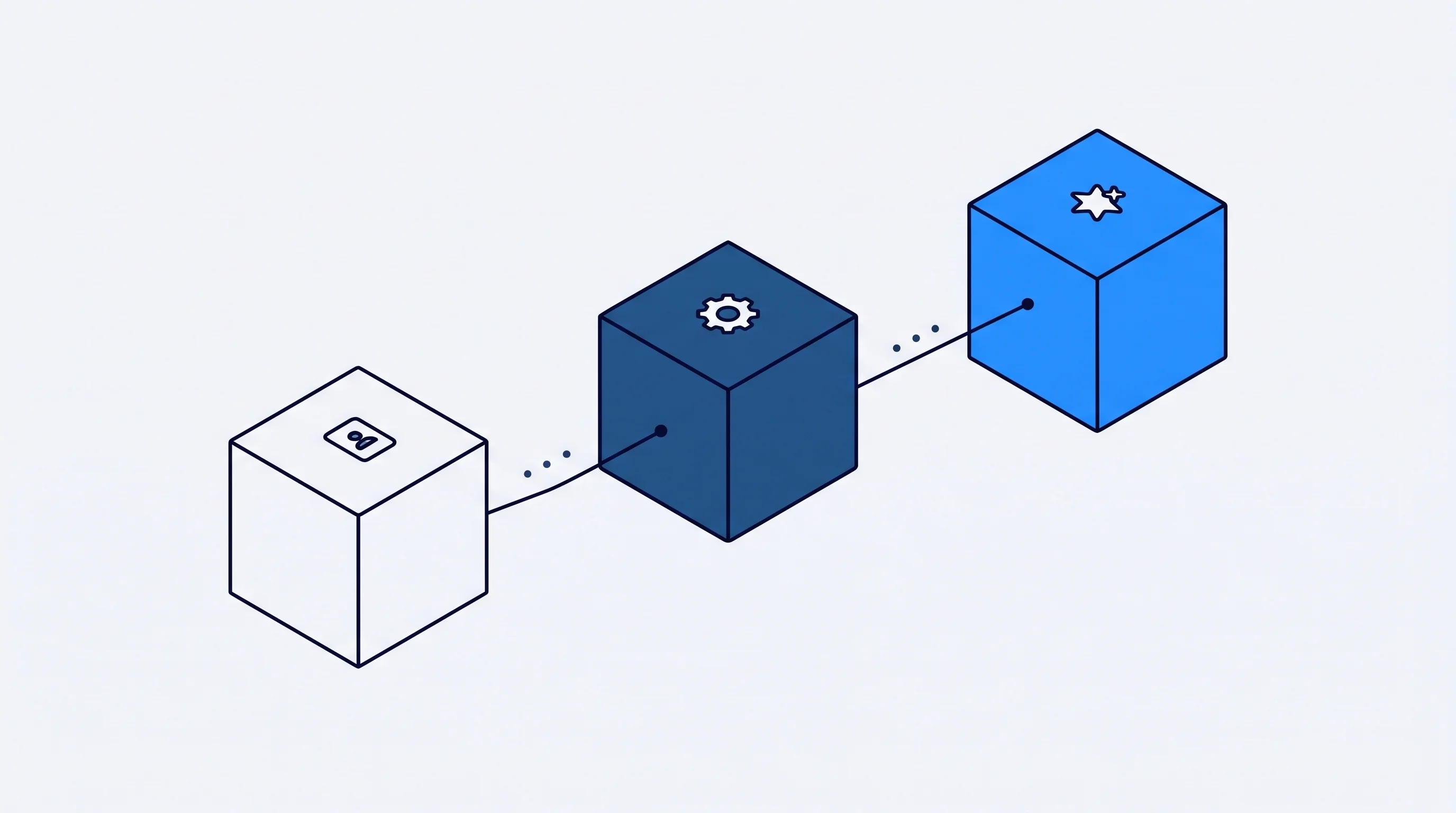
A new lead is no longer a bare record, it's a file that's already been filled in before a rep even opens it. The agent adds company data and intent signals the moment the lead comes in, instead of a rep looking it up by hand later.
The same applies to follow-up. Instead of a rep having to remember which deal has gone quiet for three weeks, the agent flags it directly from live Salesforce data and queues up the next step. That's a form of business process automation with AI agents, applied to the sales pipeline.
Salesforce names better data quality, sales planning and customer retention as the top benefits sales teams report from AI agents (Salesforce, State of Sales, 2026). That doesn't happen on its own: it's the result of workflow automation that's built in, not a standalone prompt window.
Forecasting is often the clearest example of the same problem. A sales manager pulls an export from Salesforce, pastes it into Excel, and tries to build a forecast out of it with formulas and assumptions. By the time the overview is ready, deals have already moved.
An AI agent working directly on the Salesforce pipeline doesn't have that problem. It works from the current state of the deals, not a snapshot from last week. A forecast built on the live pipeline steers better than one built on a snapshot from last week.
Craftsmanship isn't about the integration that works in a demo, it's about the one that still does its job three months later. We test every step before it goes live: what happens with an empty value, a duplicate record, a system that's temporarily unresponsive.
Human-in-the-loop isn't a weakness here, it's a design choice: for actions with real impact, like an adjusted deal value or a message to a customer, a person checks in before the digital worker proceeds. Every step is logged, so you can trace what happened and why.
We build this EU-based, with your Salesforce data owned by your business, not by us or an AI vendor. An integration you can't trace back is not one you should trust a sales team to lean on.
That depends on how many systems you include, the quality of your existing Salesforce data, and how much custom work the integration needs. Connecting one extra system is priced differently than an integration that serves multiple systems and multiple AI agents. In an introductory call we map that out concretely for your situation.
A well-built integration handles access through tokens instead of shared passwords, and logs who used which data and when. We build EU-based and make sure you stay the owner of your own data. Security lives in the design of the integration, not in a checkbox added afterward.
Yes. It's not the number of reps that determines whether an integration is worthwhile, it's the amount of manual copy work. Even a team of three people retyping data into another system every week gains time and fewer errors from a good integration.
A standalone AI tool usually works from an export or a copy of your data, which quickly goes out of date. A real Salesforce integration works directly on the live data in your CRM, including the error handling and logging that comes with it. The difference becomes noticeable the moment the data starts to drift.
That varies by situation: the number of systems, the state of your existing data, and how many workflows you want to automate right away all play a role. A phased approach, starting with one concrete process, shows results faster than an integration that tries to solve everything at once.
Yes, once the integration is in place, an agent can automatically fill in new leads with company data and signals that already exist elsewhere, without a rep having to look it up manually. The agent works with what's already in Salesforce, adding to it rather than replacing it.
A robust integration doesn't stop the entire sync when it hits an error, it sets the specific record aside for review and logs what went wrong. That keeps the rest of your Salesforce data reliable, even on a day when something breaks.
Yes. Your Salesforce data stays yours. We build the integration so that data stays with you and isn't stored elsewhere or reused outside of what you've agreed to.
A robust Salesforce integration is the foundation under every AI sales agent. We build that integration so your CRM data is secure, current, and immediately usable for automation.


.svg)