



Kronehoefstraat 85
5612 HL Eindhoven
BTW NL863902509B01
The Fundamental Limits of AI Agents Inside Legacy SaaS
qw
vc
mshm
.svg)




The AI assistant in your CRM does little because the system underneath it was never built to capture the context of a decision. It stores the result, not the reasoning that led to it. Without that context, no AI agent, not even your vendor's own, can get past a generic answer.
You turned on the AI agent in HubSpot or ClickUp. The first week, you typed a question into the search box every morning. After a month, you stopped.
That's not an exception. In 2024, 22.7 percent of Dutch companies with 10 or more employees used AI technology, up from the year before (CBS, 2025). Most of those companies try the built-in assistant first, because it's already part of the package they're already paying for.
Software vendors are adding these assistants at a rapid pace. In 2025, HubSpot expanded its Breeze assistants and added several new AI agents to the platform (HubSpot, 2026). ClickUp, Jira, and most industry-specific platforms follow the same pattern: bolt on a chat box, a few automatic summaries, done.
You use it a few times, the answer is generic, and you go back to doing it the way you always did. Then three feelings hit at once: this should have done more, maybe I'm using it wrong, and maybe I should just wait for the next release.
None of the three is true. The pain isn't "AI doesn't work." The pain is not knowing why it doesn't work, which means you can't decide what to do instead. That's exactly what this article changes.
Just as familiar is the moment after: a colleague asks how the AI trial is going, and the answer is a shrug. Nobody pulled the plug. The tool just sits dormant somewhere in a toolbar, and the conversation about it quietly drops off the agenda.
The cause isn't the AI model. GPT, Claude, or Gemini make no difference when they run on the same underlying data. The cause is how your CRM, your ticketing system, or your ERP was built, years before anyone thought about agents.
Investor Foundation Capital lays this out sharply in an analysis of the architecture behind major SaaS platforms: "Salesforce is built on current state storage: it knows what the opportunity looks like now, not what it looked like when the decision was made" (Foundation Capital, 2026). Translated to your CRM: the system remembers that the discount was approved, not why, by whom, or which exception applied.
Almost every business system you use is a system of record. That's not a design flaw, it worked for people long enough. A colleague who's missing context walks over to the next desk and asks. An AI agent can't do that.
This isn't limited to your CRM. Your ticketing system stores the resolution of an incident, not the chain of steps that led there. Your accounting software stores the final invoice amount, not the negotiation that preceded it. Each of these systems excels at its own job, and none of them was built to teach an agent how that job came about.
An agent that has to make a decision first needs to check how earlier, comparable decisions were made. Foundation Capital calls that trail the "decision trace": "Agents don't just need rules. They need access to the decision traces that show how rules were applied in the past, where exceptions were granted, how conflicts were resolved, who approved what, and which precedents actually govern reality" (Foundation Capital, 2026).
Without that trail, an agent can't do three things: trace the decision, check it against what happened afterward, or use it as a precedent for the next, similar case. All it can do is guess based on the current state, which produces the generic answer you already know.
The next release won't fix this. A vendor that builds an agent on top of its own product builds that agent with the data the product already collects, and that's the outcome, not the context.
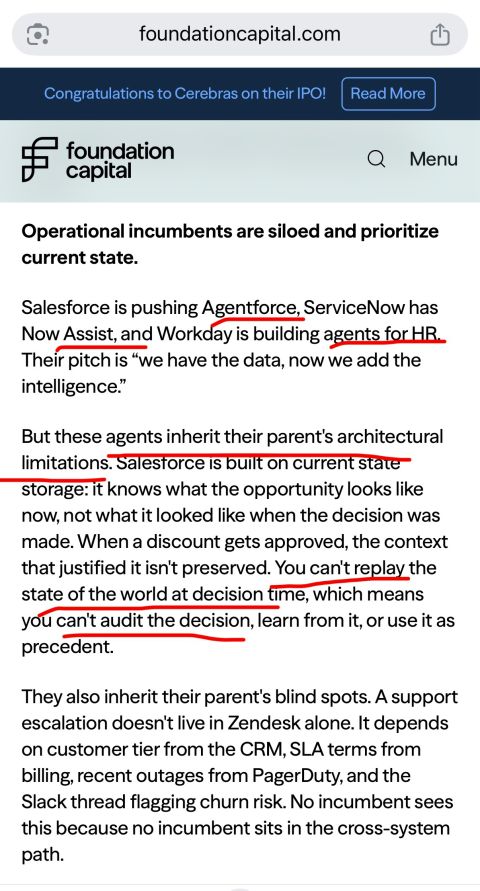
"These agents inherit their parent's architectural limitations", writes Foundation Capital (2026). The AI assistant in your CRM or your ticketing system only sees what happens inside that one system. An escalation rarely hangs on a single system: it hangs on the CRM, the billing, the monitoring, and the conversation around it all at once, and the answer is by definition spread across systems.
Venture partner Gaurav Tewari describes the same problem from the deployment side: an assistant that handles a task on its own gets stuck the moment it needs a step outside its own application. "Agents create durable value when they improve measurable outcomes inside real workflows, not when they simply automate isolated tasks" (Forbes, 2026).
That's not a criticism of your vendor. It's a limit built into the design. Waiting for a release that fixes this limit is waiting for a system of record to turn itself into a system of context. That isn't going to happen.
You see this pattern in nearly every major software category. A CRM vendor builds an agent that's good at deal status, but knows nothing about the support history tied to the same account. A ticketing system builds an agent that summarizes tickets, but knows nothing about the contract the customer signed. Both agents are technically impressive, and both are missing half the story.
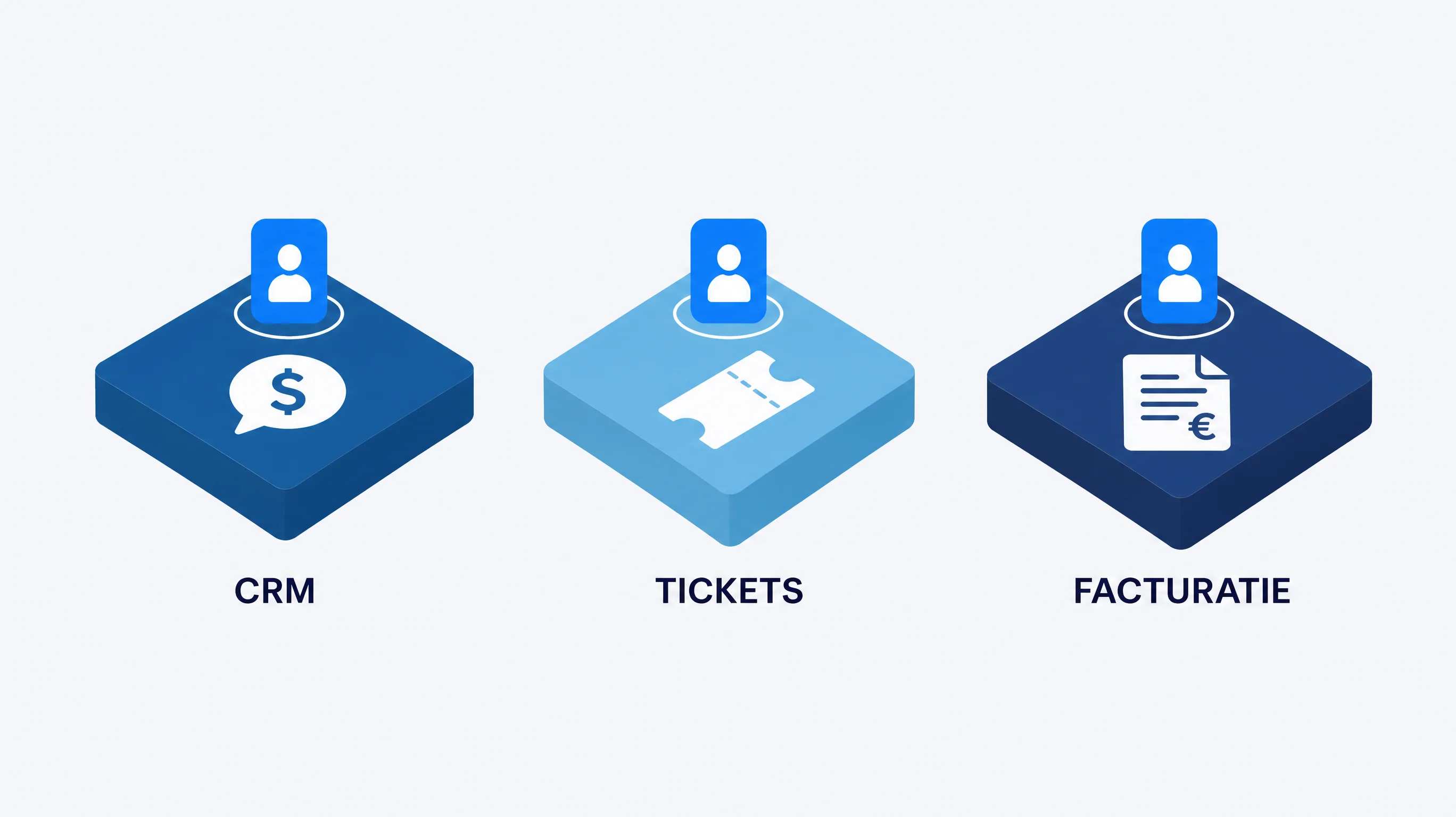
The way out isn't a different CRM or a pricier license. It's a layer you build yourself, on top of the systems you already have.
Use your existing software for what it's meant to do: record-keeping. Alongside that, the moment the work happens, you capture the context that currently gets lost. Why was this discount approved. Which exception applied here. What did the customer say earlier that doesn't fit in a notes field. You build that context into a knowledge layer you own yourself, not an export that stays locked inside your vendor's platform.
Software vendors are moving the same direction themselves: in 2025, HubSpot added more than 15 new AI agents to its own platform (HubSpot, 2026). That confirms the problem more than it solves it: every vendor builds its own closed-off layer. Build that layer yourself, and it works across your systems, so the agents you build on top of it keep working even when you switch CRMs.
That's the difference between a layer that's yours and a feature that belongs to your vendor. What you build for sales this quarter also pays off for marketing or operations next quarter, because the context isn't locked per system but sits centrally.
In practice, this usually doesn't mean a brand-new system right away. It often starts with a few fields and notes you already capture, just structured somewhere that isn't tied to one vendor. Only after that do you build the agent on top that actually uses this context instead of just storing it.
Don't start with every system at once. That pattern has already failed before: 95 percent of generative AI pilots at companies delivered no measurable return in 2025, often because the scope was too broad and didn't fit anywhere well (Fortune, reporting on MIT research, 2025).
Instead, pick one process where a decision comes up often: a discount approval, an escalation, an intake review. For that one process, capture the context the moment someone makes the decision, not afterward from memory.
Build a first piece of workflow automation on top of that, with a context window that factors in the captured reasoning, and have a human check every outcome for the first few weeks. Only expand to a second process once the first one runs without corrections.
This takes time and a few iterations before it actually pays off. That's not a detour, it's the only way the next agent you build goes faster than the last one, because it builds on the same knowledge base instead of starting from zero again.
After the first few weeks, measure two things: how often the agent proposes an outcome a human accepts without correction, and how much time that saves per case. Together, those two numbers tell you whether you're ready for the second process, or whether the first one needs more iterations first.
Don't expect a straight line upward. In the first few weeks, you'll correct more often than you'd like, and that's exactly the point: every correction is a piece of context the agent will have the next time. After a few cycles, the number of corrections drops noticeably, and that's the signal to start the second process.

Because the system underneath it was built to record the outcome of a decision, not the reasoning behind it. The assistant can only work with what's stored, and that's the current state, not the context.
No. It's not a usage mistake and not a setting you've overlooked. The limitation sits in the system's architecture: it never stores the context an agent needs to get past a generic answer.
A system of record stores the current state: the deal status, the latest ticket, the invoice. A system of context stores how that state came about: the reasoning, the exception, the conversation around it. Most business software is the former, rarely the latter.
Not structurally. A vendor builds its agent with the data its own product already collects, and in doing so inherits the same architecture and the same blind spots. A release can improve the interface, not supply the missing trail.
No, and that wouldn't fix the problem either: the next platform has the same architecture. Use your current systems for record-keeping and build the context layer alongside them, so a future switch doesn't mean starting over.
A knowledge layer that captures why decisions were made, at the moment they're made, independent of whichever system of record is involved. That layer is yours, reusable across departments, and stays in place even if you ever switch tools.
Pick one process with a recurring decision, capture the context there, and have a human check every outcome for the first stretch. Only expand once that one process runs without corrections.
Expect several iterations before the first process runs stably. That's not a setback: 95 percent of broad AI pilots without that discipline deliver no measurable result, and a small, well-scoped process avoids that fate.
You don't have to wait for your software vendor to solve this. We build the layer that makes your systems usable for agents, on top of what you already have. Discover how your own AI layer solves this.
See AI Agents & Process Automation


.svg)